
Site photo log
Progress photos from the phone, against the task.
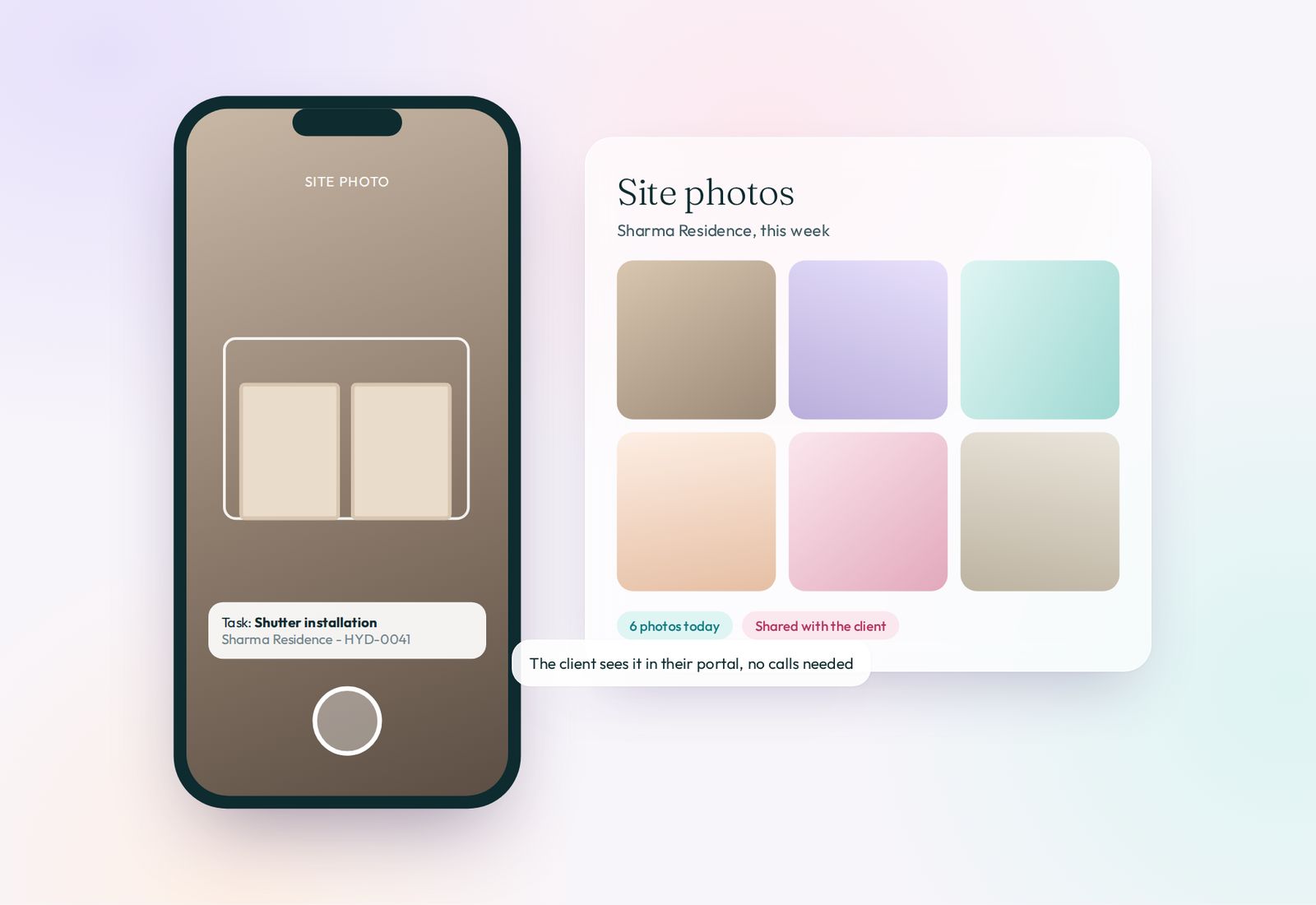
Site, design and accounts staff upload photos from the site against a task. Clients see them in the portal with a quiet notification, and the studio's photo feed shows every site at a glance.
What it does
- Upload from the phone on site
- Photos linked to the task and the project
- Clients see progress in the portal
- Photo feed on Studio Pulse
See it in the live demo
Open Sharma Residence > Photos, then the photo feed on Studio Pulse.
Open the live demoScreens
More in Run projects
Projects and milestonesEach project with its stage, team, budget and dates.Tasks and task libraryStandard steps for every project, assigned in one click.Planner calendarMeetings, site visits, deliveries and deadlines by day, week or month.Site visits, snagging and handoverA record of every visit, every snag and the final handover.Tickets and design changesChange requests written down, priced and closed.Studio Care after handoverWarranty and service requests after the keys are handed over.